
Local businesses, state by state
36,054 ZIP and postal areas across 50 US states, 12 Canadian provinces and territories, 12 UK regions and 8 Australian states and territories, every one of them orderable on its own.
Leadity scrapes local businesses live from Google Maps, names the owner and checks every number. Pay only for leads that pass.
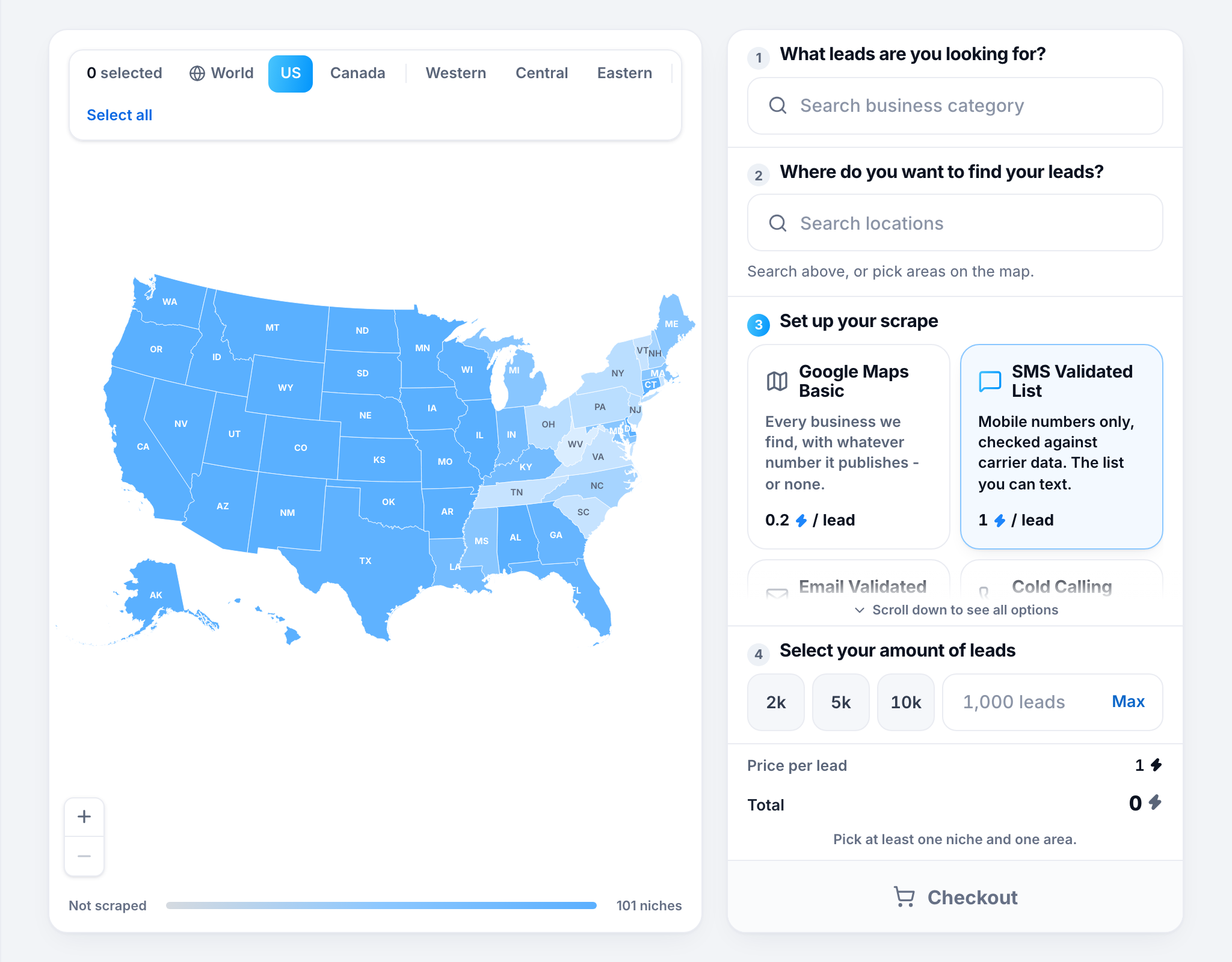



36,054 ZIP and postal areas across 50 US states, 12 Canadian provinces and territories, 12 UK regions and 8 Australian states and territories, every one of them orderable on its own.
With the mobile filter on, only numbers the official numbering records list as mobile - so you call a cell phone rather than a landline or a VoIP line.
Swept live the moment you order. No stale database being resold to you and your competitors on a refresh cycle.
The person who runs the place, added to the row - and only when independent sources agree on it.
Address, category, rating and reviews on every row, and the mobile and the owner's name when you turn those filters on. Export the CSV and start dialling.
A lead that fails a filter you bought is never delivered and never billed - the landline, the VoIP line, the name we could not confirm.
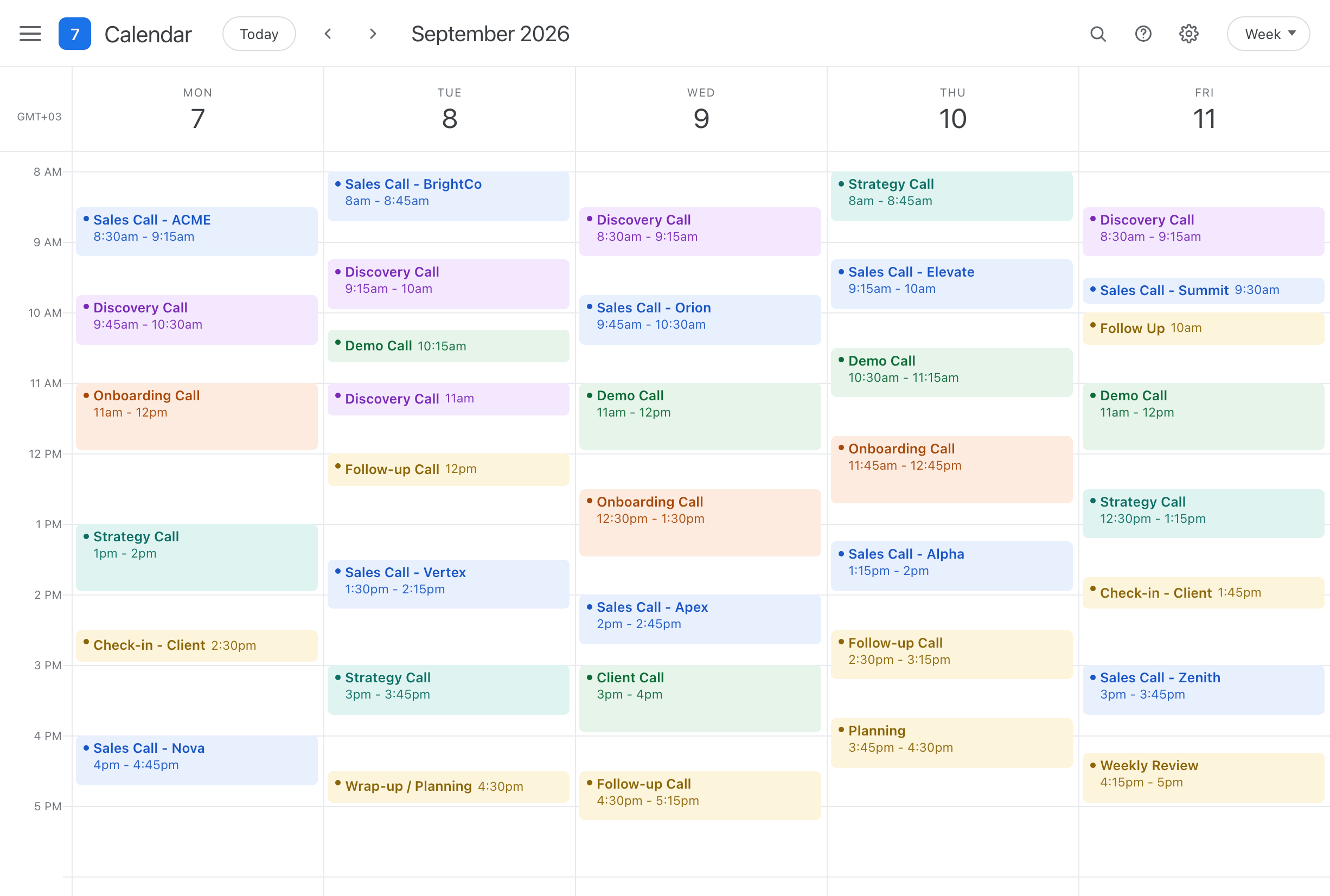
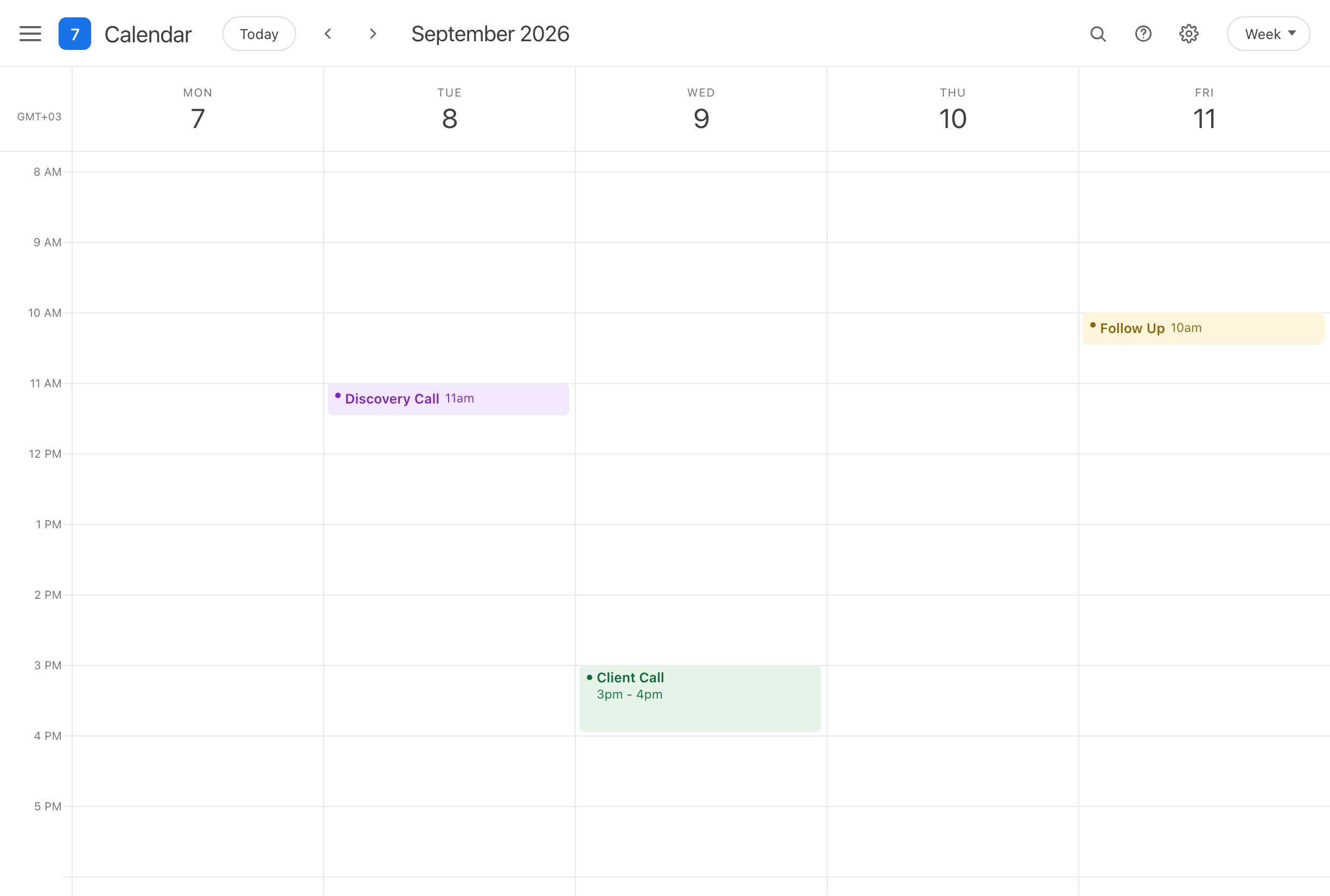
A calendar before the owner mobiles, and after them. Drag to compare. Illustrative, not a measured result.
One order does the sweep, the line check, the owner name, the no-website filter and the ledger that stops you buying the same number twice.
 John CarterOwner · Acme Roofing Owner name found
Pricing
Credits are held when a run starts and spent only as leads pass. Whatever the run does not use comes back to your balance the moment it settles, so an order that runs out of map costs what it delivered and nothing more.
Filters
The filters run before anything is billed, so a business that fails one is never charged for. That is what makes them worth setting rather than sorting out afterwards in a spreadsheet.
Owner names
The owner lookup adds a confirmed name to the same verified mobile. It is confirmed from more than one source before it is delivered, and a name we could not agree on is never delivered and never billed.
Coverage
Pick whole states or drill into single postal areas. Coverage is recorded per area and per trade, so the map you have already swept is subtracted from your next order rather than sold to you again.
We are here to help with anything you need. If you do not find it here, the chat in the corner reaches a person.
Pick a trade, pick where, and turn on the filters you want. Leadity sweeps Google Maps for that combination while you wait, checks what it finds, and hands back a CSV. You are billed for the leads that reach you, not for the rows the sweep turned up along the way.
Google Maps, read at the moment you press run. Nothing is served from a stored list, so what you download is what the listings said today rather than what they said whenever somebody last collected them. Coverage is 50 US states, 12 Canadian provinces and territories, 12 UK regions and 8 Australian states and territories.
Every lead carries the company name, the full address with city, state, zip and timezone, the category it was found under, its phone number and website when it publishes them, its Google rating and review count, the Google Place ID and a link to the listing, and the time it was scraped. Three columns depend on what you ordered: the phone type on any order that filtered by it, the owner's name with the owner lookup, and an email with the email finder - with its deliverability status on a verified-email order.
Up to date because they are read live: a number is whatever the listing carried during your sweep. Checked because every one is looked up in the official numbering records - NANPA's thousand blocks in the US and Canada, Ofcom's and ACMA's ranges in the UK and Australia - which say whether it is a mobile, a landline or a voip line. Across 1,036,929 rows we have stored, a raw sweep comes back 47% mobile, and 88% of the rows customers were billed for are mobiles.
The unit everything is priced in. A lead costs a set number of credits decided by the filters you turned on - 0.2 for a plain business record, 1 with a carrier-verified mobile, 3.5 with the owner's name as well - and each filter you add costs more. Credits themselves work out between $0.0160 and $0.0580 each, and the larger the plan the lower the rate, up to 60% off the smallest.
It depends which kind you are holding. Credits from a plan payment expire 30 days after that payment, and credits you add to a plan expire 30 days after you buy them. Anything unspent by then is gone and does not roll over. Credits bought as a one-time pack never expire and stay on your balance until you spend them. Credits that expire are always spent first, the earliest expiry first, so the ones you keep are the ones that never expire.
Yes. On a monthly plan, Add Credits on your billing page adds any amount from 500 to 50,000 credits at your plan's own rate, never more per credit than a one-time pack of that size, and those credits expire 30 days after you buy them. Without a plan, a one-time credit pack can be bought at any point and never expires. Either way the credits land on the same balance and spend on the same scrapes. If you need a different plan size, cancel your plan on Whop and start the new size right away. The credits you already hold keep their own dates.